
Report
Financial Report
The Financial Report section provides a detailed overview of hospital income and expenses within a selected date range. It includes income breakdown by category such as appointments, with fields for quantity and amount. A summary panel displays key financial metrics like sub total, VAT, discount, gross bill, hospital and doctor commissions, deposits, due amounts, and total expenses. Users can filter data using date range inputs and submit to generate reports.

User Activity Report
The User Activity Report displays a summary of financial transactions performed by users for the current day, including user name, bill amount, payment received, and due amount. Two entries are listed: Mr. Receptionist and Mr. Accountant, both with zero values in all fields. Each record includes a Details button for viewing additional information. Users can export the report in Excel, CSV, PDF formats or print it.

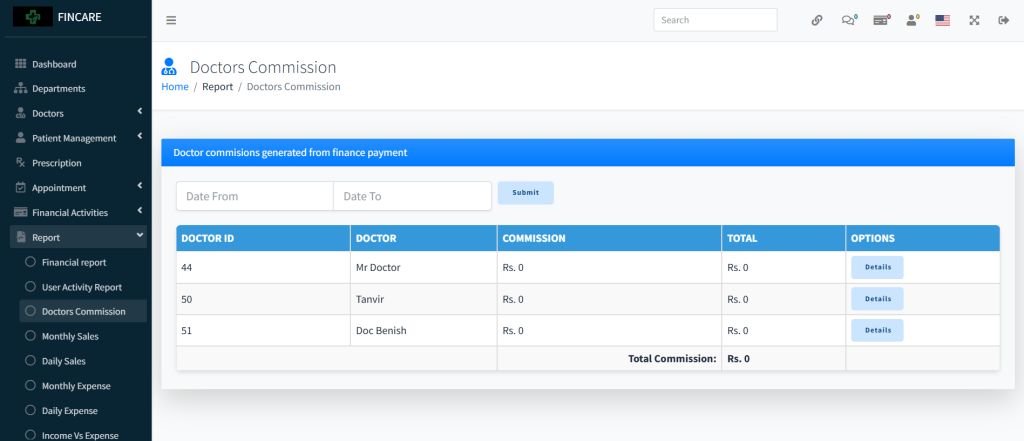
Doctors Commission report
The Doctors Commission report displays a summary of commission amounts earned by doctors based on financial transactions. It includes columns for doctor ID, name, commission per transaction, total commission, and options to view details. Currently, all listed doctors— Mr. Doctor, Tanvir, and Doc Benish—have zero commission values. Users can filter the data by date range using the provided fields and submit to generate results.
Monthly Sales
The 2025 Hospital Sales Report presents monthly revenue data for the year, showing sales amounts by month. The report lists each month from January to December, with all entries at Rs. 0.00 except for July, which records Rs. 27,000.00. The total annual sales amount is Rs. 27,000.00. Users can navigate between pages or print the report using the provided buttons.

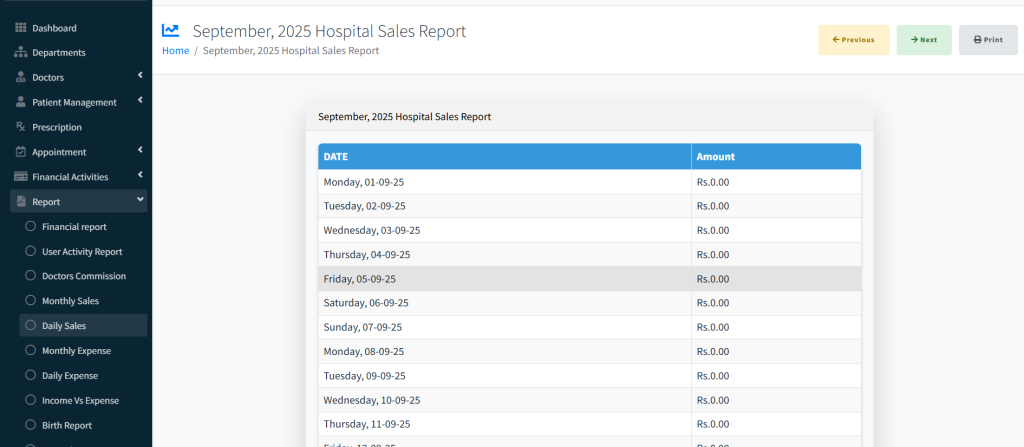
Daily Sales
The September 2025 Hospital Sales Report displays daily revenue data for the month, listing each date from the 1st to the 31st with corresponding sales amounts. All entries show Rs. 0.00, indicating no recorded sales for the period. The report includes navigation buttons to move between months and a Print option for generating hard copies.
Monthly Expense
The 2025 Hospital Expense Report presents monthly expenditure data for the year, listing each month from January to December with corresponding expense amounts. All entries show Rs. 0.00, indicating no recorded expenses for the period. The total annual expense is also Rs. 0.00. The report includes navigation buttons to move between pages and a Print option for generating hard copies.

Daily Expense
The September 2025 Hospital Expense Report displays daily expenditure data for the month, listing each date from the 1st to the 31st with corresponding expense amounts. All entries show Rs. 0.00, indicating no recorded expenses for the period. The report includes navigation buttons to move between months and a Print option for generating hard copies.

Income vs Expense
The Hospital Income vs Expense report provides a comparative overview of financial performance across different time periods. It displays income, expense, and net profit for this week, this month, the last 30 days, and overall totals. The data shows Rs. 3,000.00 in income over the last 30 days with no expenses, resulting in a net profit of Rs. 3,000.00. All other periods show zero values.

Birth Report
The Birth Report section displays a table for recording and managing delivery-related information, including patient name, description, attending doctor, date, and options. Currently, no birth records are listed. Users can add new entries through the provided button and export data in Excel, CSV, PDF formats or print the report.

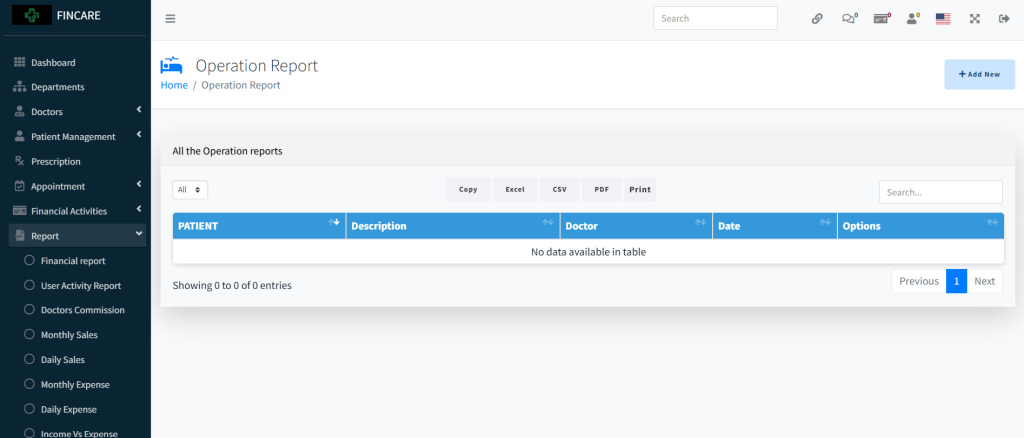
Operation Report
The Operation Report section displays a table for recording surgical procedures, including patient name, description, attending doctor, date, and options. Currently, no operation records are listed. Users can add new entries through the provided button and export data in Excel, CSV, PDF formats or print the report. A search bar allows filtering entries
Expire Report
The Expire Report section displays a table for tracking expired medical records or medications, including patient name, description, doctor, date, and options. Currently, no entries are present in the table. Users can add new records through the provided button and export data in Excel, CSV, PDF formats or print the report. A search bar allows filtering entries,
