Appointment
All Appointment
The Appointment section displays a comprehensive list of scheduled visits with details including patient name, doctor, date and time, remarks, status, description, invoice ID, amount, and bill status. Multiple appointments are listed for Salma Nazir with Doc Benish, showing various statuses such as Confirmed and different payment statuses like Paid or Unpaid. Each entry includes options to edit or delete. Users can filter appointments by status, export data in Excel, CSV, PDF formats, or print the list.

Add New Appointment
The New Appointment form allows users to schedule patient visits by entering essential details. It includes sections for patient selection, doctor assignment, visit type, appointment date, and available time slots. The payment section captures visit charges, discount, and total amount, with an option to pay at the time of booking. The status is set to “Pending Confirmation” by default and can be updated accordingly. Additional notes can be added for reference. After filling out the required fields, the appointment can be finalized using the Book Appointment button.

Today’s Appointments
The Today’s Appointments section displays a list of scheduled visits for the current day, including patient name, doctor, time, remarks, status, description, invoice ID, amount, and bill status. Currently, no appointments are listed for today. The table includes options to edit or delete entries if available. Users can export data in Excel, CSV, PDF formats or print the list.

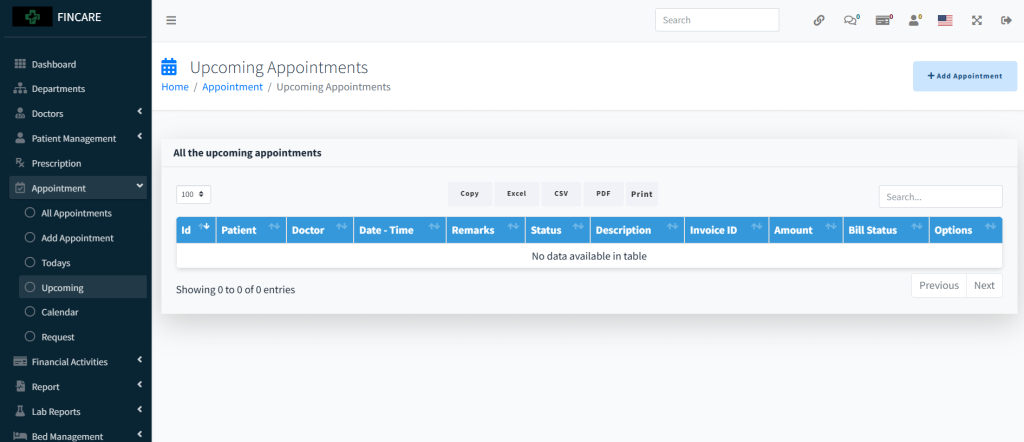
Upcoming Appointments
The Upcoming Appointments section displays a list of scheduled visits for future dates, including patient name, doctor, date and time, remarks, status, description, invoice ID, amount, and bill status. Currently, no upcoming appointments are listed. The table includes options to edit or delete entries if available. Users can export data in Excel, CSV, PDF formats or print the list.
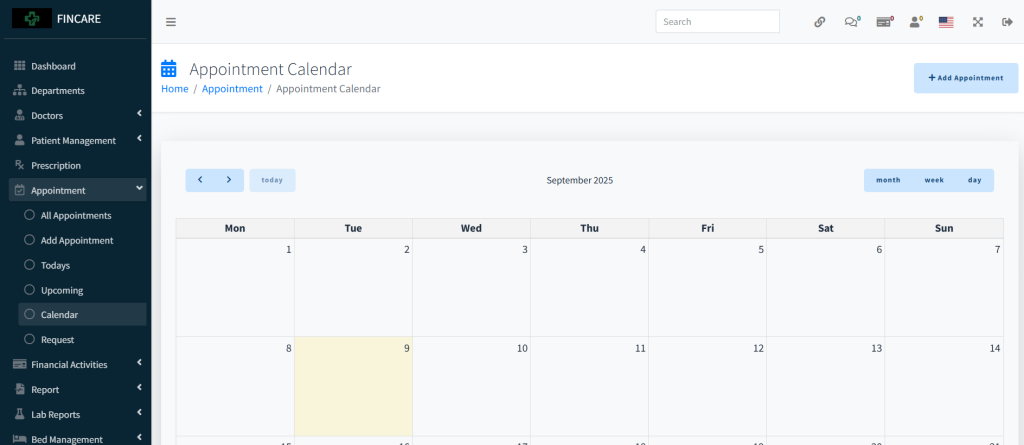
Appointment Calendar
The Appointment Calendar displays a monthly view of scheduled appointments for August 2025, organized by days of the week. Users can navigate between months and switch views to day, week, or month format. The calendar allows quick visualization of appointment availability and includes a button to add new appointments. Currently, no appointments are listed for the displayed dates.
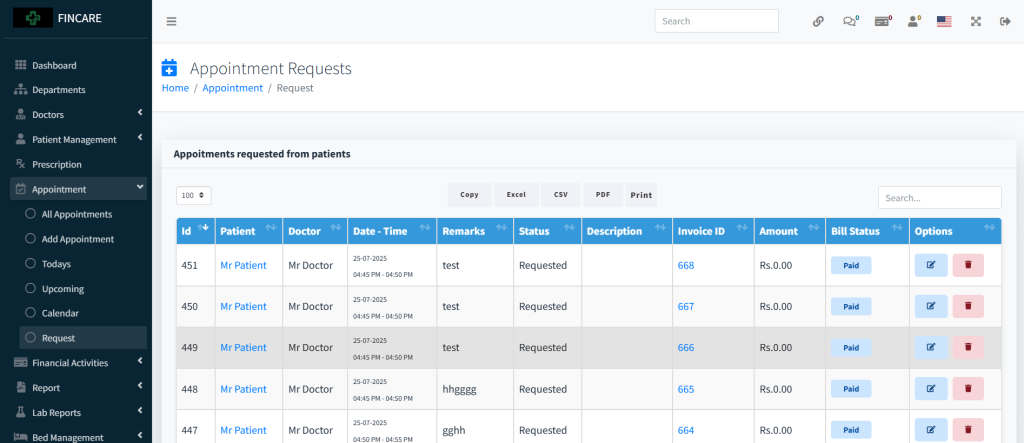
Appointment Requests
The Appointment Requests section displays a list of appointment requests submitted by patients, including patient name, doctor, date and time, remarks, status, description, invoice ID, amount, and bill status. All entries shown are in “Requested” status, with most having zero charges and marked as paid, except one with an unpaid amount of Rs. 500. Each request includes options to edit or delete. Users can export data in Excel, CSV, PDF formats or print the list.