Bed Management
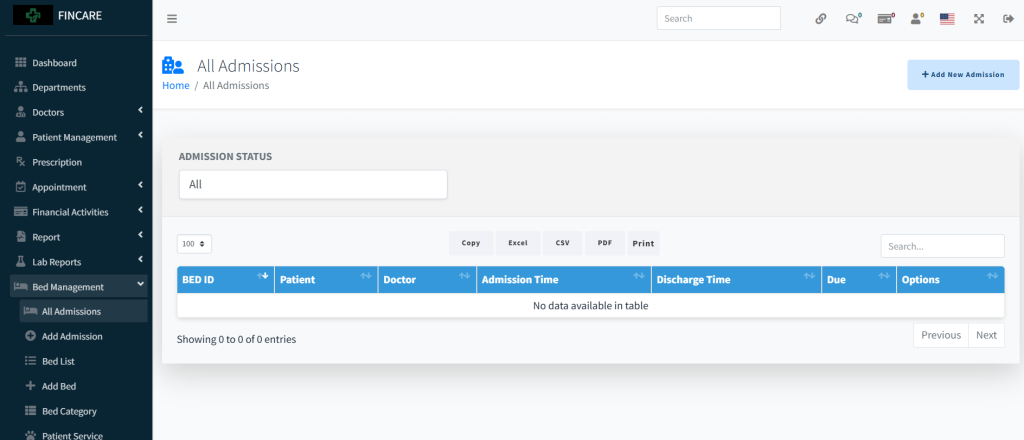
All Admissions
The All Admissions section displays a table for managing patient admissions, including bed ID, patient name, attending doctor, admission and discharge times, due amount, and options. Currently, no admissions are listed. Users can filter by admission status, export data in Excel, CSV, PDF formats, or print the list. A search bar allows filtering entries.
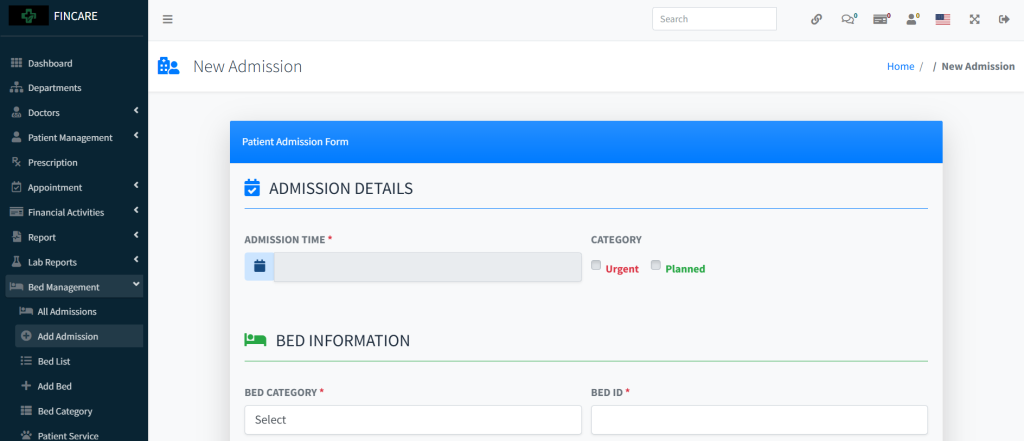
Add New Admission
The New Admission form allows users to register patients for hospital admission by entering essential details. It includes sections for admission time and category (Urgent or Planned), bed category and ID, patient and doctor selection, blood group, diagnosis, reason for hospitalization, existing illnesses, medical history, reactions, and transfer source. After filling in the required fields, the admission can be submitted using the Submit button.
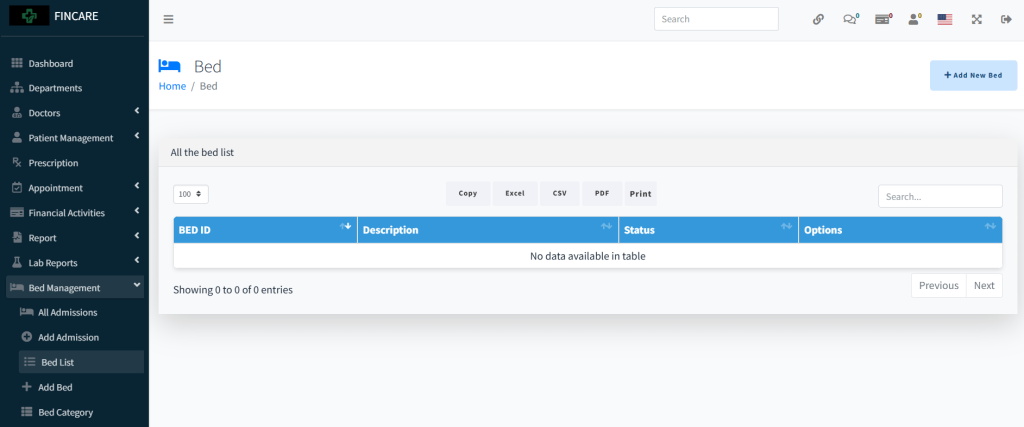
Bed List
The Bed List section displays a table for managing hospital beds, including bed ID, description, status, and options. Currently, no beds are listed in the system. Users can add new beds through the provided button and export data in Excel, CSV, PDF formats or print the list. A search bar allows filtering entries.
Add Bed
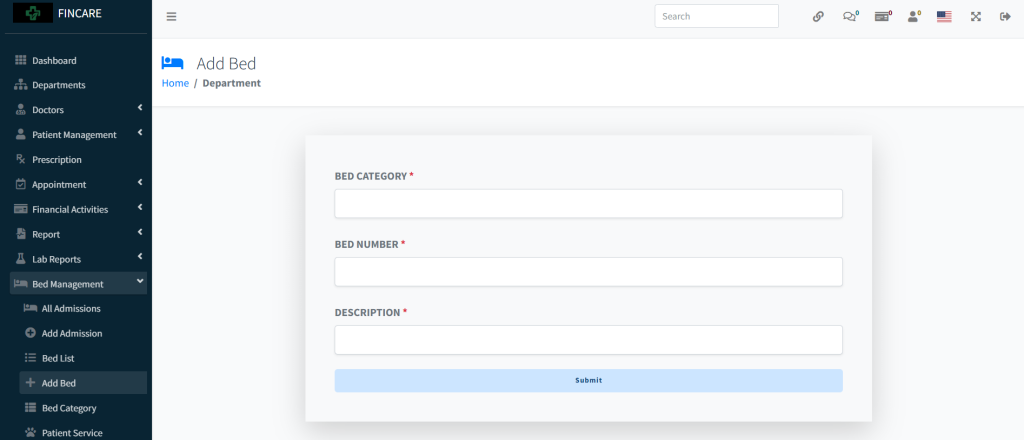
The Add Bed form allows users to register new hospital beds by entering the bed category, bed number, and a description. All fields are mandatory and must be filled before submission. Once completed, the bed is added to the system for use in patient admissions.
Bed Categories
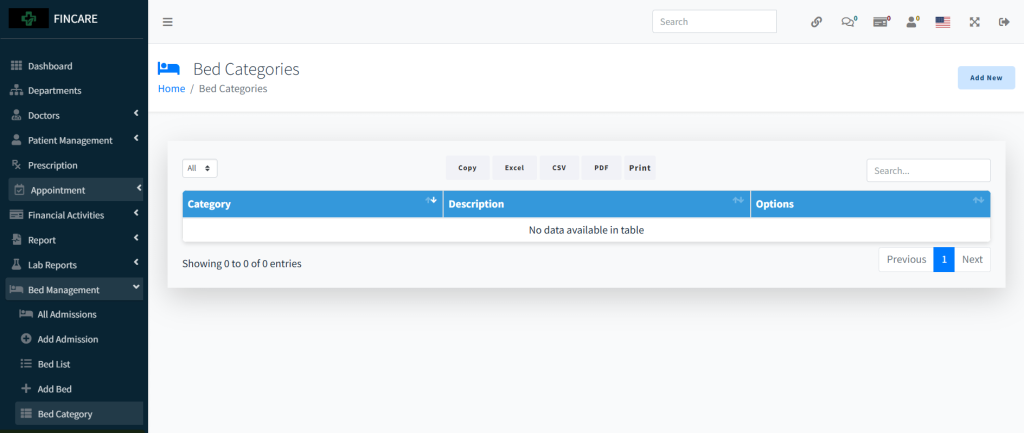
The Bed Categories section displays a table for managing bed classifications, including category name, description, and options. Currently, no categories are listed in the system. Users can add new categories through the provided button and export data in Excel, CSV, PDF formats or print the list. A search bar allows filtering entries.
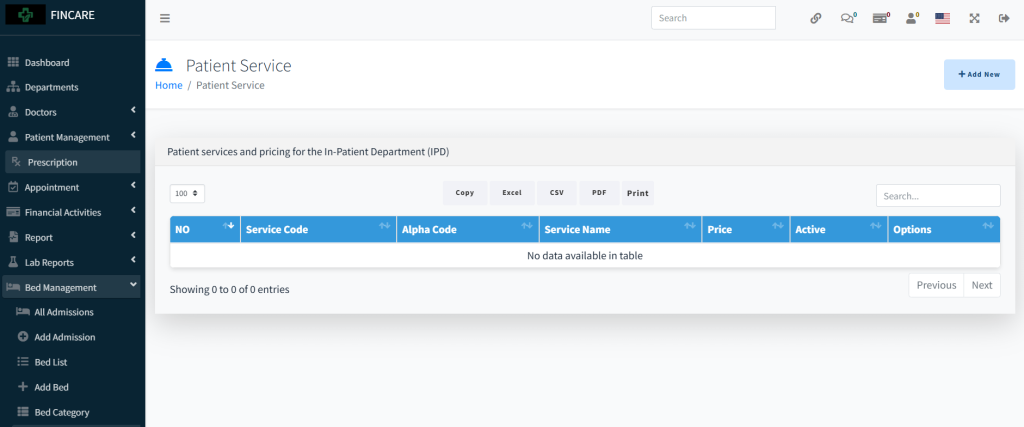
Patient Service
The Patient Service section displays a list of services offered in the In-Patient Department (IPD), including service code, alpha code, service name, price, active status, and options. Currently, no services are listed in the system. Users can add new services through the provided button and export data in Excel, CSV, PDF formats or print the list. A search bar allows filtering entries.