Lab Reports
All Lab Tests
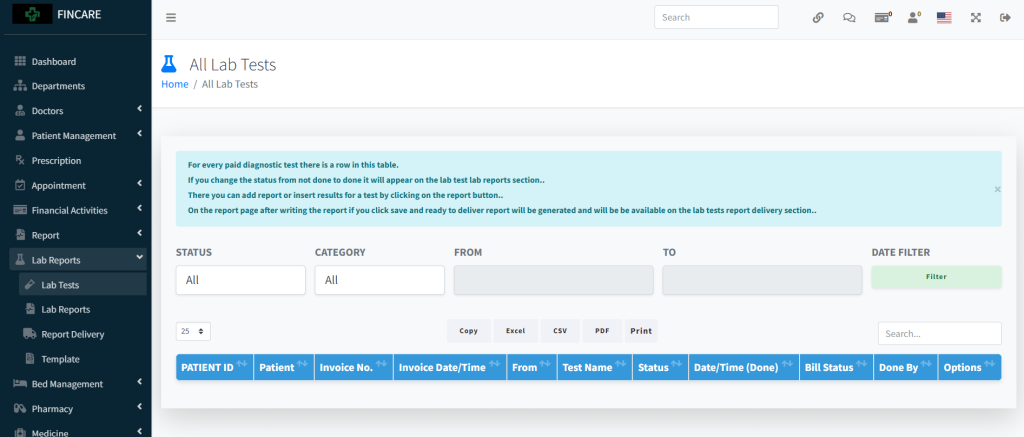
The All Lab Tests section displays a list of diagnostic tests performed, including patient details, invoice number, test name, status, completion time, bill status, and the doctor who completed it. Each entry shows whether the test is marked as “Done” and includes options for label printing or report generation. The table supports filtering by status, category, date range, and search functionality. Users can export data in Excel, CSV, PDF formats or print the list.
Lab Report
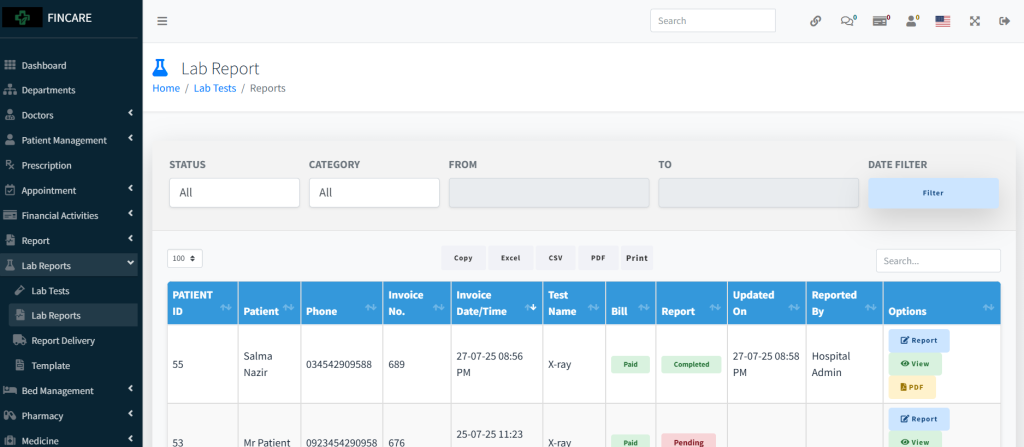
The Lab Report section displays a list of laboratory test results with details including patient name, phone number, invoice number, test name, bill status, report status, update timestamp, and the person who reported it. Each entry shows whether the report is completed or pending, along with options to generate or view the report in PDF format. Users can filter entries by status, category, date range, and search for specific records. The data can be exported in Excel, CSV, PDF formats or printed.
Report Delivery
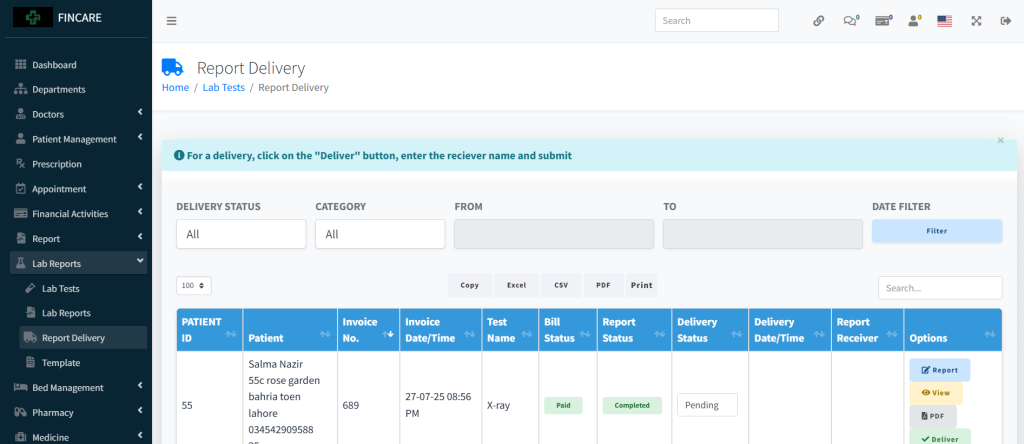
The Report Delivery section displays a list of lab reports ready for delivery, including patient details, invoice number, test name, bill status, report status, delivery status, and delivery timestamp. Each entry includes options to view the report, generate a PDF, or mark it as delivered by entering the receiver’s name. The table supports filtering by delivery status, category, date range, and search functionality. Users can export data in Excel, CSV, PDF formats or print the list.
Lab Report Template
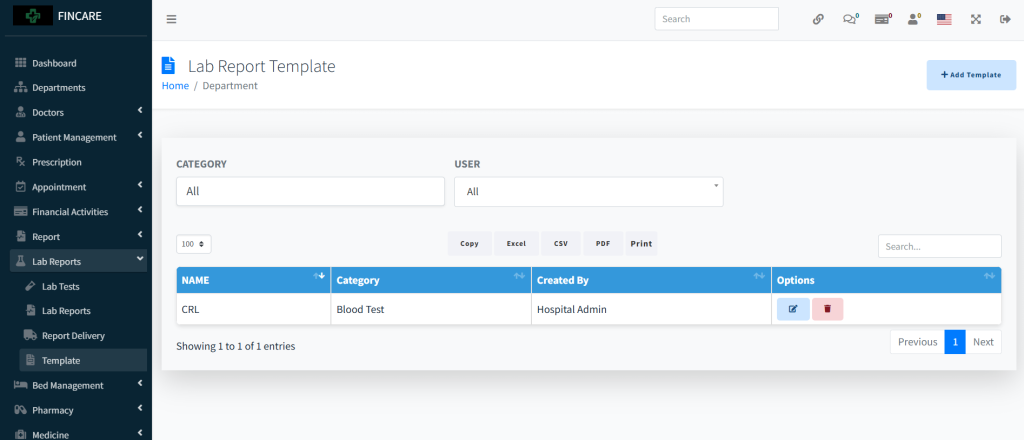
The Lab Report Template section displays a list of predefined templates used for generating laboratory reports. It includes columns for name, category, and creator, with options to edit or delete entries. Currently, one template named “CRL” is listed under the Blood Test category, created by Hospital Admin. Users can filter entries by category and user, search for specific templates, and export data in Excel, CSV, PDF formats or print it.