Medicine
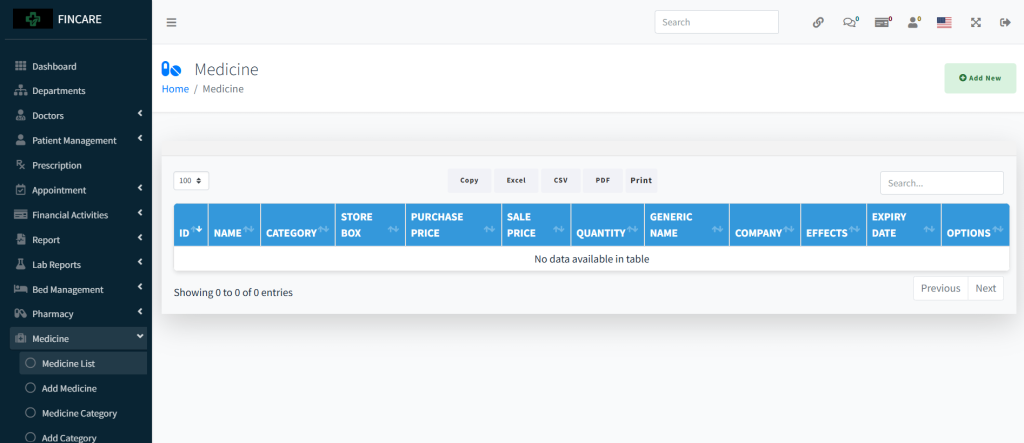
Medicine List
The Medicine List section displays a table for managing pharmaceutical inventory, including medicine ID, name, category, store box, purchase price, sale price, quantity, generic name, company, effects, expiry date, and options. Currently, no medicines are listed in the system. Users can add new entries through the provided button and export data in Excel, CSV, PDF formats or print the list. A search bar allows filtering entries.
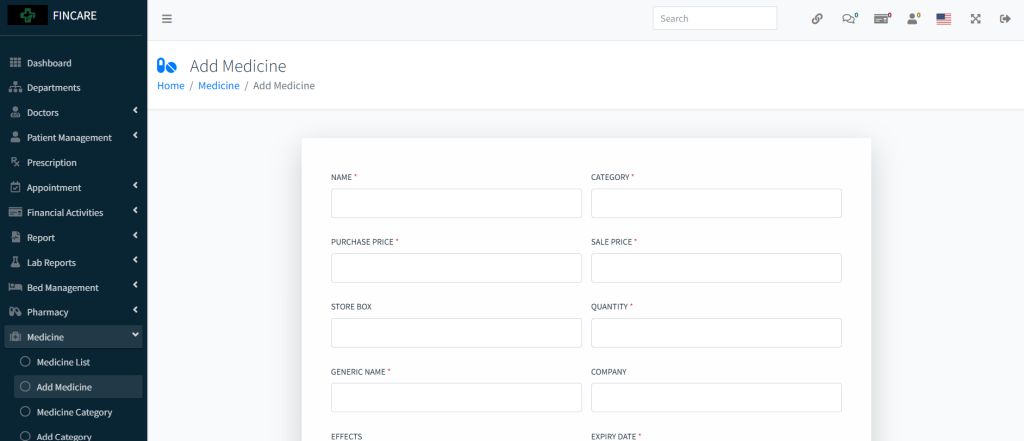
Add Medicine
The Add Medicine form allows users to register new medications by entering essential details such as name, category, purchase price, sale price, store box, quantity, generic name, company, effects, and expiry date. All required fields are marked with an asterisk and must be filled before submission. Once completed, the medicine is added to the inventory system.
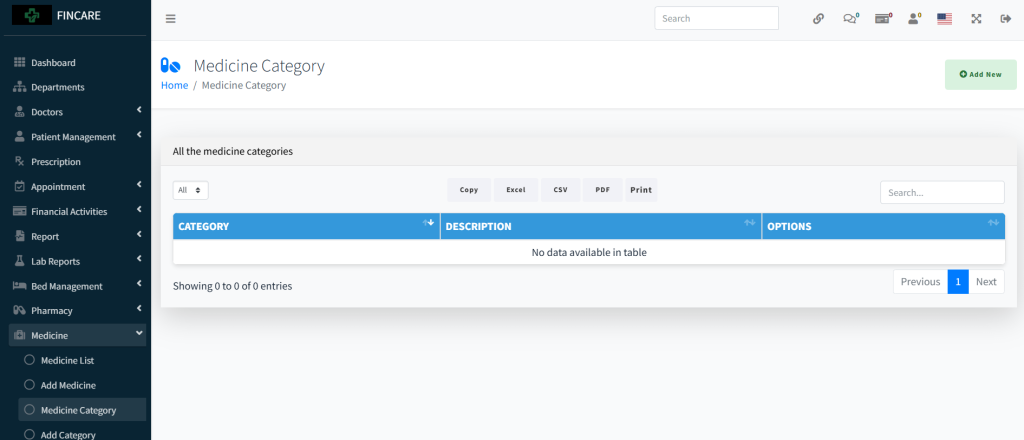
Medicine Category
The Medicine Category section displays a table for managing medication classifications, including category name, description, and options. Currently, no categories are listed in the system. Users can add new categories through the provided button and export data in Excel, CSV, PDF formats or print the list. A search bar allows filtering entries.
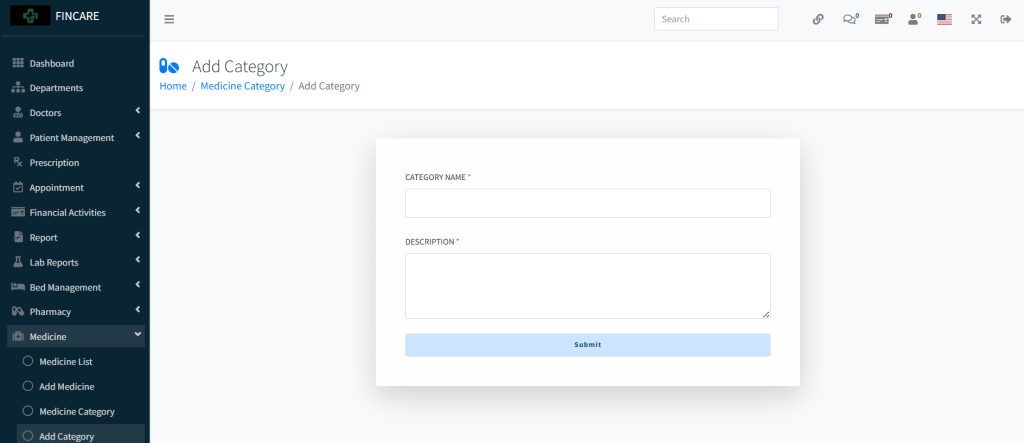
Add Category
The Add Category form allows users to create new medicine categories by entering the category name and a description. Both fields are mandatory before submission. Once filled, the category is added to the system for use in organizing medications.
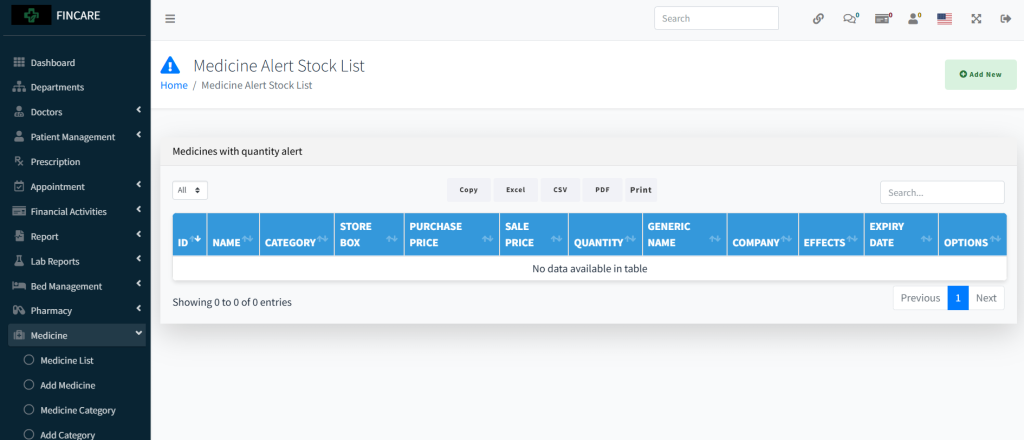
Medicine Alert Stock
The Medicine Alert Stock List displays a table for monitoring medications that are below the minimum stock threshold, including ID, name, category, store box, purchase price, sale price, quantity, generic name, company, effects, expiry date, and options. Currently, no medicines are listed with low stock. Users can export data in Excel, CSV, PDF formats or print the list.